Context is scattered
Specs here. Decisions there. Standards in someone's head. Every task starts with a search, not with what the company already knows.
The next step in AI-assisted engineering
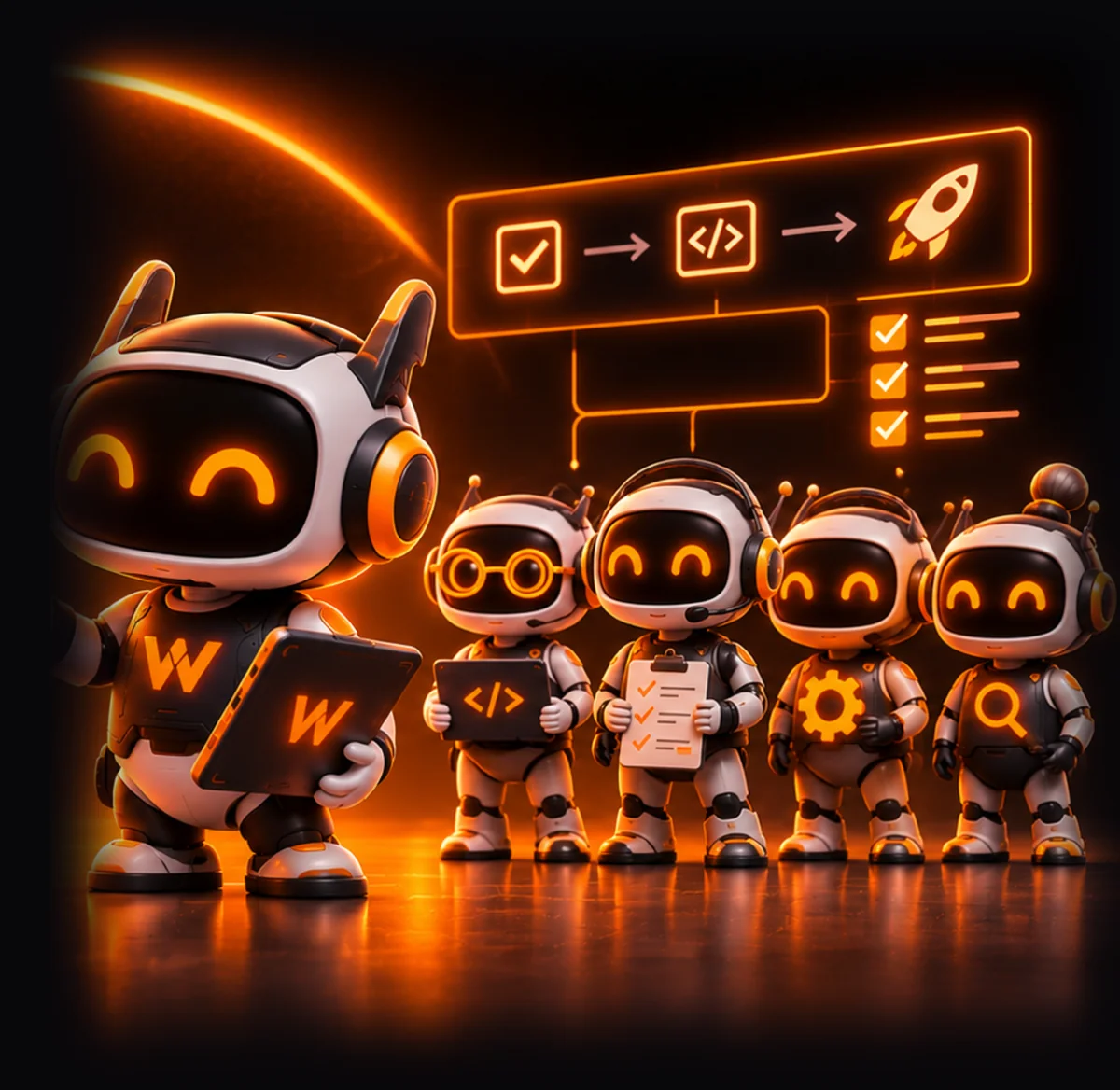
Your AI coding tools can write code. But who manages the project knowledge, workflows and execution behind it? Woky gives every developer a coordinated AI engineering team, built around their project knowledge and real development workflow.
Your own Woky Server.Your infrastructure and project data.Your configured AI providers.Human review before code ships.
01 / The reality
Individual tasks got faster. The engineering system around them did not.
Specs here. Decisions there. Standards in someone's head. Every task starts with a search, not with what the company already knows.
Every person builds their own prompts, routines and agent setup — so two developers with the same task get two different systems.
The developer still has to direct, check and reconnect every step. The faster the model, the more of the day goes to orchestration.
02 / The hidden cost
It's everything your developers do before and after asking it to code.
AI makes individual tasks faster while leaving the engineering system fragmented. The opportunity is to stop treating AI as a tool each developer must manage alone.
03 / The shift
That is the bridge between OrkAI and Woky.
OrkAI / Knowledge
OrkAI maintains the project's engineering knowledge: requirements, architecture, standards, decisions and reusable workflows.
Woky / Execution
Woky coordinates specialist AI workflows around real engineering tasks, keeps execution visible and returns the work for human review.
OrkAI provides the project knowledge. Woky puts that knowledge to work.
04 / Meet Woky
Each developer runs their own Woky Server. Their tools, project context and execution remain in their own workspace. Deploy Woky Server in your own VM. Connect Woky Desktop using your server URL.
05 / Your infrastructure
Woky Server runs in a VM you control. Your project knowledge and data stay in your environment, while AI processing uses the providers you configure.
Install Woky Server in your own VM using the installer. Connect through Woky Desktop using your server URL.
Project context and associated data are stored in your Woky Server environment.
Configure the providers used for embeddings, orchestration and coding agents. Information required for AI processing is sent to those providers.
Woky performs periodic license validation. The free trial license lasts seven days.
06 / Start with intent
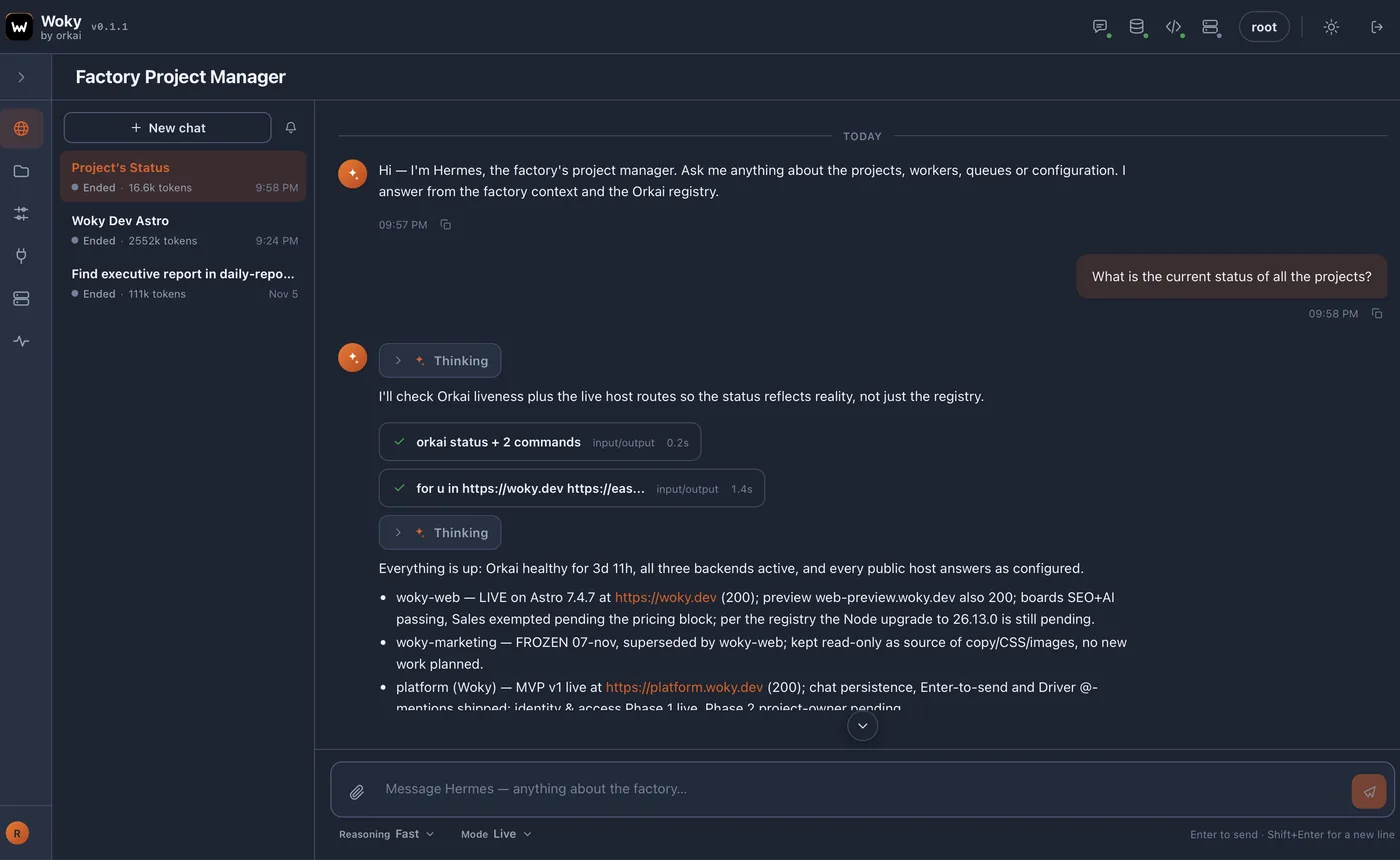
Start with a new project or an existing repository. Describe the outcome and let Woky organize the engineering work.
07 / Make work visible
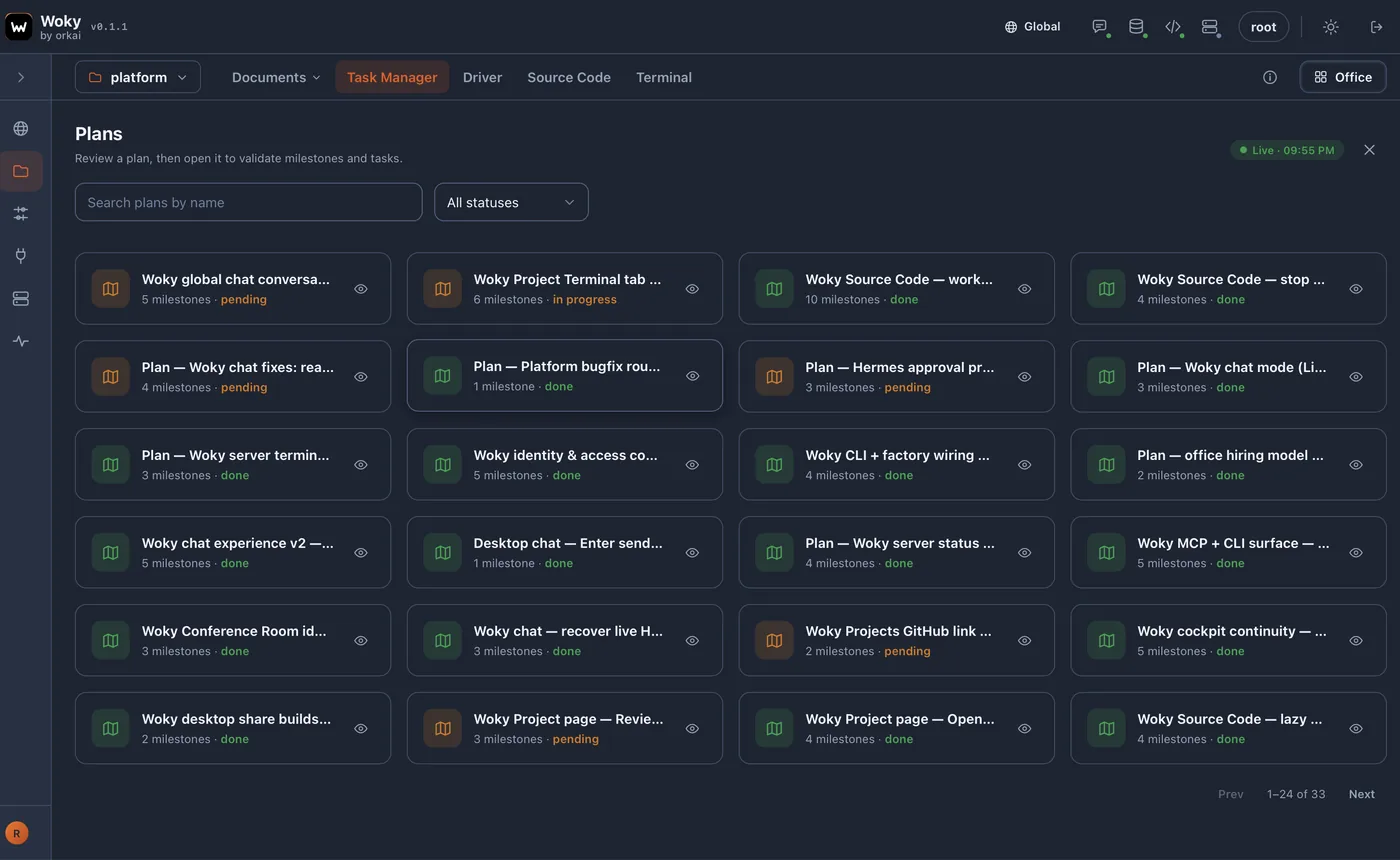
Leaders and PMs can inspect project documents, source code, plans and progress through read-only viewer access. They cannot create or modify content.
08 / Stay close to the code
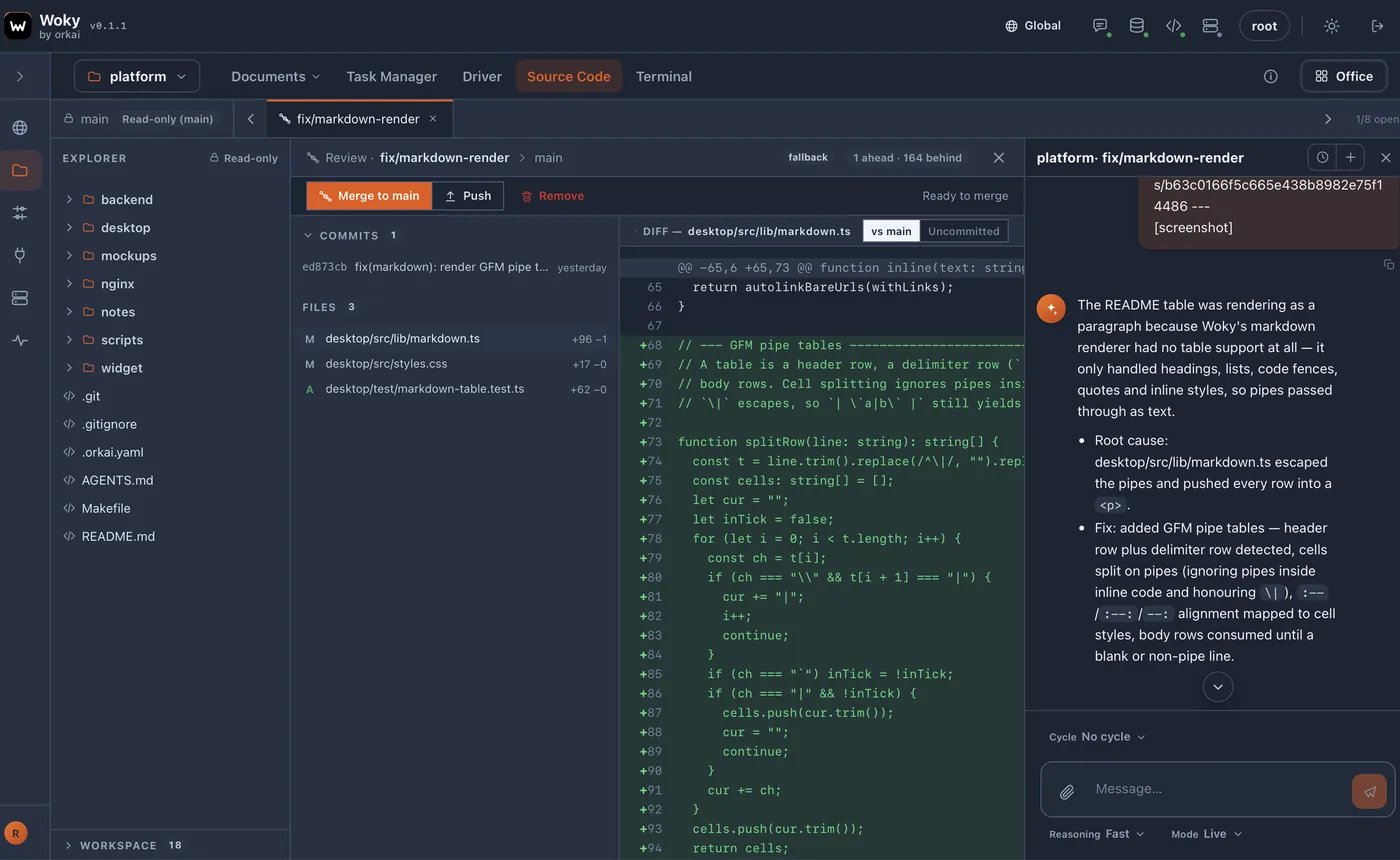
Start with a new project or work with an existing repository. Keep implementation and review connected to the actual source code.
09 / Built for real teams
Developers own their workspace. Independence by design, visibility by default.
Each developer owns their Woky workspace, chooses their integrations and manages their own engineering execution.
Leaders and PMs can inspect documents, source code, plans and progress through read-only access without taking control of the developer's workspace.
Project knowledge, standards and decisions remain documented and reusable across tasks.
10 / What changes
Measured in your environment, not through generic AI productivity claims.
Less context hunting and less manual agent coordination. The routine around the work shrinks; the judgement stays with the person.
More visible plans, progress and workflow consistency across the team — without adding process meetings.
Engineering knowledge reused as work scales, instead of walking out with the person who held it.
How a pilot is judged: run a focused pilot and track cycle time, rework, review effort and developer experience. Decide from your own numbers.
11 / The pilot
One call to understand what you want to evaluate, then the route that fits: a guided sandbox we host, or a technical pilot in your own environment.
Woky trial license: 7 days. The evaluation route is agreed in the call.
30 minutes, no commitment
Sandbox or technical pilot
Nothing to install, no VM, no repository
Woky on your own VM
They stay yours
One real task, reviewed together
The deployment approach is agreed in the 30-minute call. You do not need to prepare infrastructure to begin.
For CTOs, engineering leaders and founders who want to see Woky work before involving their team.
For teams that want to evaluate Woky on their own project and environment.
Questions
No. Woky coordinates specialist AI workflows around real engineering tasks. It connects project knowledge, execution, plans and progress, while keeping implementation available for human review.
Woky Server is installed in a VM controlled by you. The installer configures the server, and Woky Desktop connects using your server URL.
Project context and associated data are stored locally in your Woky Server environment.
Project data remains in your VM. However, information required for embeddings, orchestration and coding operations is sent to the AI providers you configure. Woky also performs periodic license validation.
No. You can start with a new project without an existing repository, or connect an existing repository when appropriate.
You configure the AI providers used by your project for embeddings, orchestration and specialist coding agents.
Credentials and secrets are managed through OrkAI commands and interfaces. Secrets are encrypted and used through the OrkAI CLI.
Viewers can read project documents and source code but cannot create or modify content.
The trial license expires after seven days. Your Woky Server remains in your VM. You are responsible for managing or deleting that VM and its stored data.
Start with a 30-minute conversation. We will help you choose between a Guided Executive Sandbox, where you can explore Woky without deploying your own environment, and a Technical Pilot, where Woky runs in your own VM with a real project.
12 / The founder
Woky × Orkai
Let's explore what a Woky-powered engineering workflow could look like for your team.